








1-Right click on the icon image above and click on Save Image As…
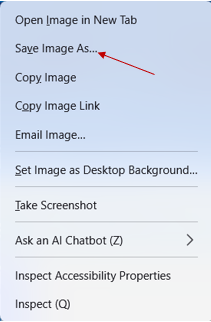
2-Save the image to your Pictures folder, this will be used later for the desktop icon.
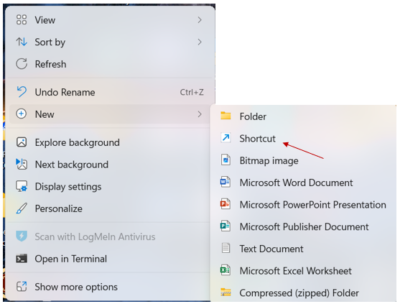
3-Right click on an empty area of your desktop. Hover on New and slide over to Shortcut-click on it.
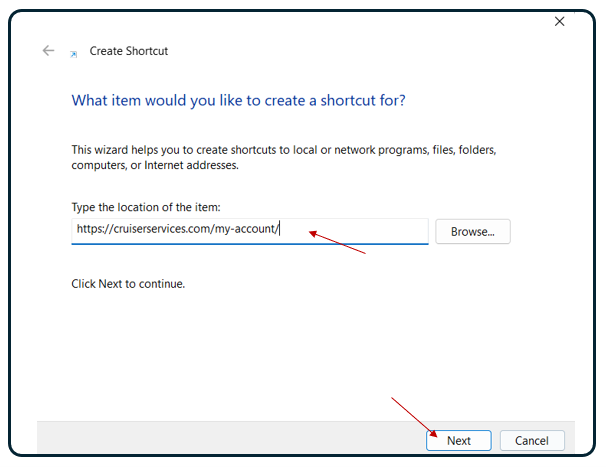
4-Enter this URL: http://cruiserservices.com/my-account/ on the next screen in box labeled “Type the location of the item” Then Click Next to continue.
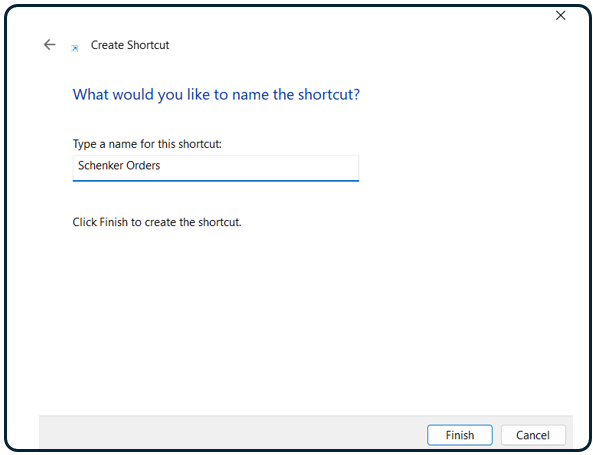
5-Now Name the Short Cut: Schenker Orders
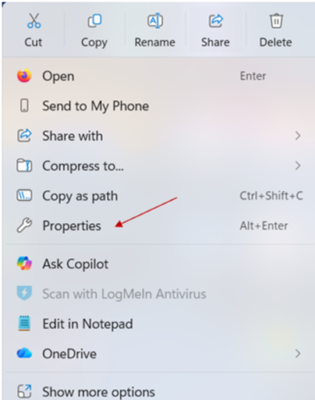
6-The shortcut has been created. You can now assign the icon you saved to your Picture folder earlier.
Right click on the new shortcut and click on properties
Now click on the Change Icon tab
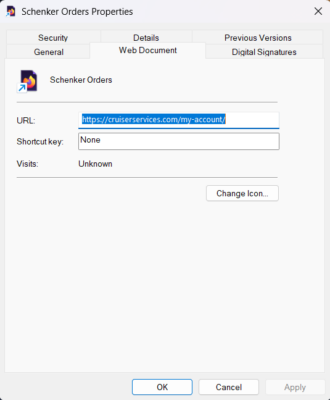
Navigate to your pictures folder and click on the saved icon.
Click on OK
Click on Apply
Click on OK


